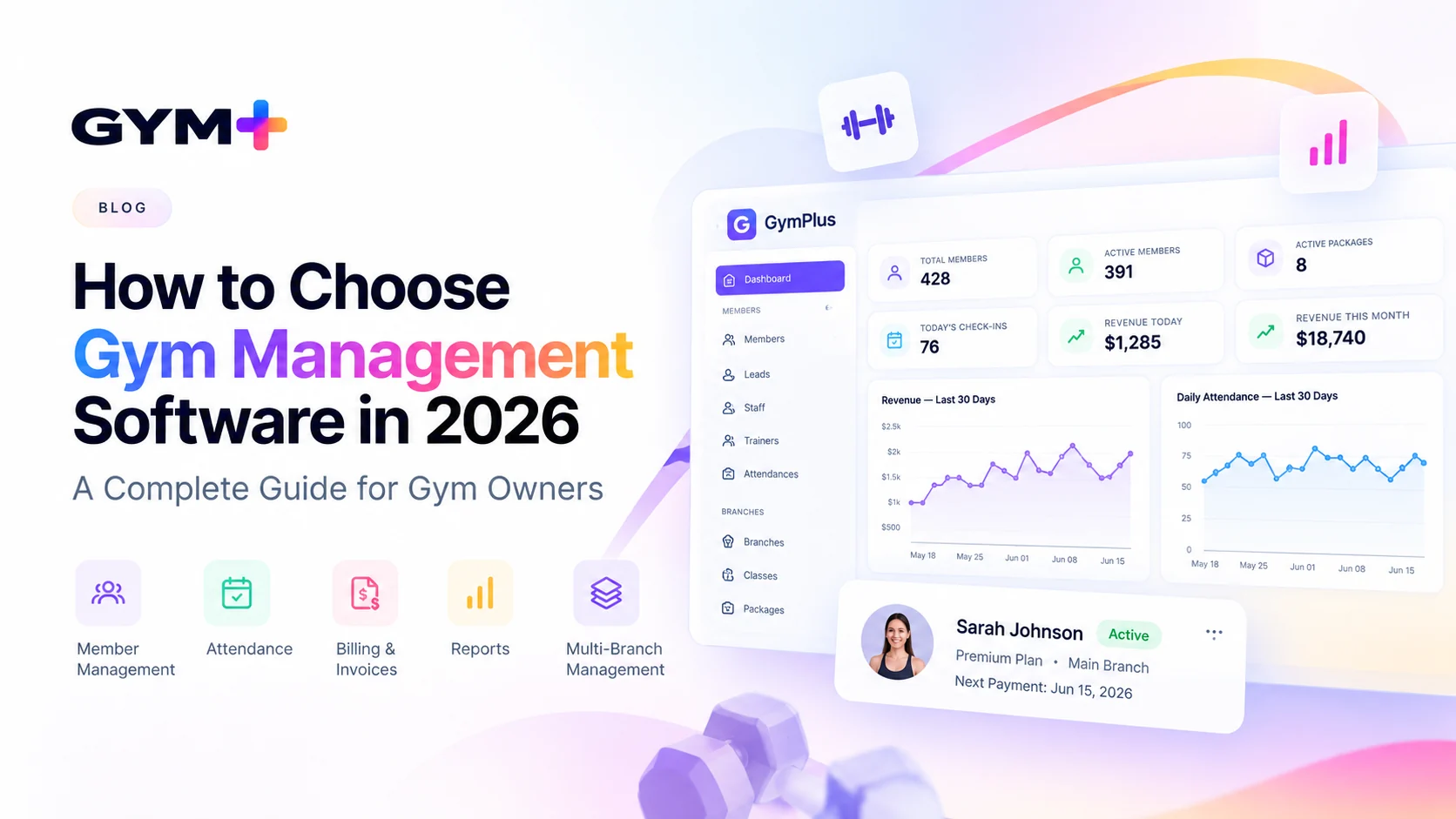
Choosing gym management software is a business decision, not just a technology purchase. The right system should make it easier to enroll members, collect payments, track visits, support staff, and understand performance without adding unnecessary work. This 2026 buyer's guide explains what to evaluate, how to compare vendors fairly, and which questions to ask before signing up.
What is gym management software?
Gym management software helps fitness businesses organize their daily operations in one system. Depending on the product, it may cover member profiles, memberships, check-ins, invoicing, payment tracking, staff permissions, reporting, and multiple locations. Some products also offer scheduling, lead management, communications, or member self-service. Not every platform includes every feature, so verify what is available in the plan you are considering.
Start with your gym's actual needs
Before booking demos, write down your three biggest operational problems. For example, perhaps staff spend hours reconciling payments, renewals are missed, or attendance records are scattered across spreadsheets. Rank each problem by time lost, revenue risk, and how often it occurs. A small personal-training studio may value simple scheduling and client records; a multi-location gym may care more about branch permissions, consistent reporting, and cross-location processes.
10 essential features to evaluate
1. Member records and membership lifecycle
Check whether staff can find a member quickly, see their plan and status, track renewals, and record important notes. Ask how cancellations, freezes, transfers, and membership changes work. Explore GymPlus member management as one example of a member-focused workflow.
2. Attendance and check-in
Watch a real check-in demonstration. Can staff identify expired memberships? Can managers review visit history? If you use barcode scanners, turnstiles, or access-control hardware, request confirmation that your exact equipment is supported. See attendance management.
3. Billing, invoices, and renewals
Evaluate recurring charges, one-time fees, discounts, outstanding balances, refunds, and failed-payment handling. Ask which steps are automated and which require staff action. Review billing and invoicing workflows.
4. Payments and revenue visibility
Payment availability and processing fees can vary by country and provider. Verify supported payment methods, settlement timelines, chargeback processes, and whether transaction fees are additional to software fees. See payments and revenue management.
5. Staff access and permissions
Receptionists, trainers, branch managers, and owners rarely need identical access. Ask whether permissions can be limited by role and location, and whether changes are recorded for accountability.
6. Reporting and exports
Useful reports should answer operational questions: Which memberships expire soon? What invoices remain unpaid? How is attendance changing? Can data be exported in a usable format if you switch providers?
7. Multi-location support
For growing operators, test branch-level records, staff access, and consolidated oversight. Do not assume that a product labeled “multi-location” supports transfers, cross-branch check-ins, or shared memberships. Verify each requirement. Learn more about multi-branch gym management.
8. Member experience
Consider how members view their plan, receive reminders, update details, or make payments. Ask which features require a separate app or add-on, and check whether the experience works well on mobile devices.
9. Integrations and migration
List the tools you already use: accounting, payments, access control, messaging, and email. Ask vendors to demonstrate critical integrations, not merely name them. Request a sample import of your existing member data and confirm how duplicates and historical records are handled.
10. Security, support, and reliability
Ask about account access controls, backups, data export, incident handling, uptime commitments, and support hours. If you operate in the United States or Canada, clarify where data is handled and which privacy or contractual requirements apply to your business. Obtain written documentation for any compliance claim that matters to you.
How much does gym management software cost?
The subscription price is only one part of the total cost. Compare the full cost at your current size and at the size you expect to reach within the next year. Prices and packages change, so request a current written quote rather than relying on an old comparison article.
| Cost component | What to check |
|---|---|
| Base subscription | Monthly versus annual commitment and renewal terms |
| Member and branch limits | Charges when you grow or add locations |
| Payment processing | Transaction fees, refunds, chargebacks, and payout costs |
| Onboarding and migration | Setup fees, import assistance, and staff training |
| Add-ons | Messaging, integrations, access control, and premium reports |
| Exit costs | Cancellation terms and data export options |
Illustrative calculation: If software costs $120 per month, add-ons cost $30, and setup costs $240, the first-year software and setup total is (12 × $150) + $240 = $2,040, excluding payment-processing fees. These are example figures, not GymPlus prices or market averages. Use each vendor's actual quote to compare.
A practical gym software comparison scorecard
Score each vendor from 1 (poor) to 5 (excellent) for every criterion, using the same demonstration tasks. Multiply the score by its weight, then divide by 5 for a result out of 100. Adjust the weights to match your business.
| Evaluation criterion | Suggested weight | Evidence to request |
|---|---|---|
| Member and membership workflows | 20% | Live enrollment, renewal, and freeze demo |
| Billing and payments | 20% | Invoice, failed payment, and refund workflow |
| Ease of use | 15% | Staff complete common tasks without coaching |
| Reporting and exports | 10% | Relevant report and sample export |
| Integrations and migration | 10% | Verified connection and sample data import |
| Support and security | 10% | Documentation and support response expectations |
| Total cost | 10% | Written 12-month quote |
| Multi-location readiness | 5% | Branch permissions and consolidated view |
A single score is a useful starting point, not a substitute for essential requirements. If a system cannot support a payment method or integration you must have, treat that as a deal-breaker regardless of its score.
Small gyms versus multi-location fitness businesses
Independent gyms and studios often benefit from fast onboarding, straightforward pricing, reliable membership records, and simple billing. Avoid paying for advanced functionality your team will not use.
Multi-location operators should additionally test branch-based permissions, consolidated reporting, data consistency, and how the software handles members who use more than one location. Ask vendors to demonstrate these cases with realistic sample data.
7 mistakes to avoid when choosing gym software
- Choosing the cheapest advertised plan without calculating the full cost.
- Assuming a listed integration works with your specific provider or hardware.
- Skipping a hands-on trial with the people who will use the system daily.
- Ignoring how existing member records will be migrated.
- Overlooking cancellation, export, and contract terms.
- Buying features based on a future plan while neglecting today's bottlenecks.
- Accepting vague promises about support, security, or payment availability without verification.
Run a 30-minute software demo test
Use the same test script for every vendor so comparisons are fair.
- Minutes 0–5: Create a sample member and assign a membership plan.
- Minutes 5–10: Record a check-in and locate attendance history.
- Minutes 10–15: Create an invoice, record a payment, and find an outstanding balance.
- Minutes 15–20: Change or renew a membership and inspect its history.
- Minutes 20–25: Review a management report and export sample data.
- Minutes 25–30: Test a second staff role or branch and ask about your required integration.
Afterward, ask your staff what felt slow or confusing. A polished sales presentation matters less than whether common tasks are reliable and understandable.
Questions to ask every gym software provider
- Which features are included in the quoted plan, and which cost extra?
- How do renewals, freezes, failed payments, and refunds work?
- Which payment methods are available in my country?
- Can you demonstrate my required integration with the exact provider?
- What happens if we add another branch or exceed member limits?
- How will you import our existing data, and can we export it later?
- What support channels and hours are included?
- What are the contract, cancellation, and data retention terms?
Frequently asked questions
What is the most important feature in gym management software?
There is no universal answer. For many gyms, dependable member records and billing are essential, but the best priority is the workflow that creates the greatest operational burden or financial risk for your business.
Is gym management software suitable for a small gym?
Yes, if it saves time or improves visibility at a sustainable cost. A small gym should favor a manageable learning curve and a plan that covers its actual needs rather than paying for unused enterprise features.
Can gym management software manage multiple branches?
Some platforms can, but capabilities vary. Confirm whether the product supports branch permissions, consolidated reporting, and your specific membership and attendance rules.
Should I choose monthly or annual billing?
Monthly billing can offer flexibility while you evaluate a new system. Annual plans may offer savings, but compare cancellation rules, support, and total costs before committing.
How do I switch from spreadsheets or another gym CRM?
Start by cleaning your member records, confirming the available import fields, and testing a small sample. Plan a staff training period and check critical balances and memberships after migration.
Does gym software replace payment processing?
Not necessarily. Many systems connect to payment services rather than processing payments themselves. Verify which provider handles transactions, fees, payouts, refunds, and disputes.
Where GymPlus.io fits
GymPlus.io offers gym management workflows focused on member records, attendance, billing, payment visibility, and branch organization. Whether it fits your gym depends on your requirements, supported integrations, and operating location. Review the relevant feature pages, compare the same checklist against other vendors, and book a GymPlus demo to test your own scenarios. You can also review available plans.
Final checklist before you decide
Shortlist two or three options, calculate the 12-month cost, test your daily workflows, verify essential integrations, and get key commitments in writing. The best gym management software is the system your team can use consistently and that supports the way your business actually operates.